 chez Kinguin
Nous comparons les prix des principales boutiques en ligne pour vous aider à acheter les meilleurs jeux à petit prix.
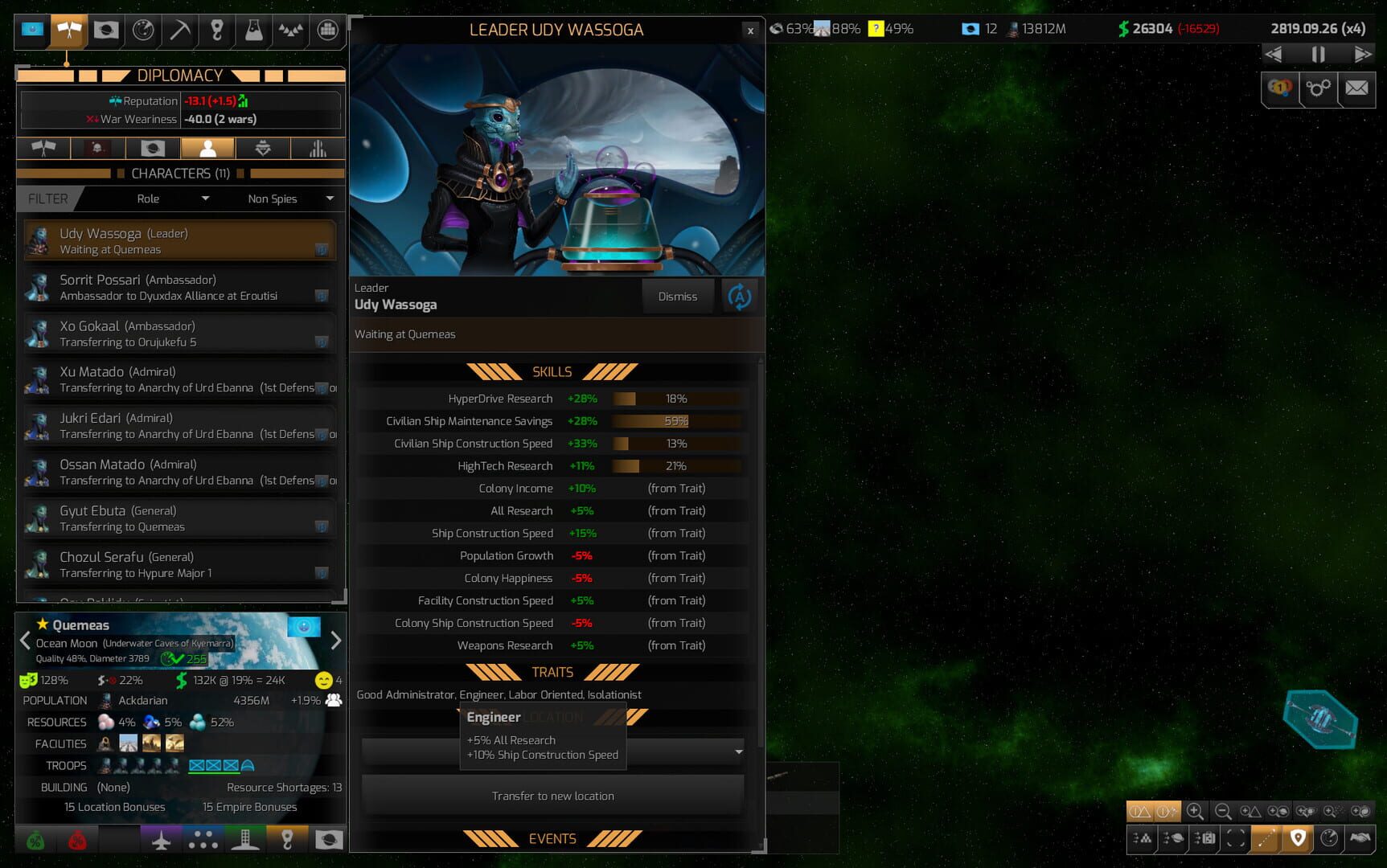
Distant Worlds 2 is a pausable real-time 4X space strategy game developed by CodeForce and published by Slitherine, released on PC on March 10, 2022. It rebuilds the cult-favorite original on a new 64-bit engine with 3D graphics and a reworked interface, while keeping the series' focus on huge, simulation-heavy galaxies.
Each game generates a galaxy with up to 2,000 star systems and tens of thousands of planets, moons and asteroids. You pick one of seven base factions, then explore, colonize, mine, trade, negotiate or conquer while independent colonies, private traders, pirates and space monsters act on their own. The standout system is automation: you can hand ship design, colonization, fleets or the whole economy to AI advisors and control only the parts you enjoy, or micromanage everything. Victory conditions, story events and an open sandbox mode are all available, along with a built-in galaxy editor.
It suits grand strategy fans who want depth and scale over quick sessions. A Distant Worlds 2 CD key activates on Steam, and several faction and expansion DLCs are sold separately. See the official Steam page for the full DLC list, and read our tips on buying cheap game keys safely before you order.
Massive Galaxies: Play in galaxies with up to 2,000 star systems and tens of thousands of planets, moons and asteroids, generated fresh for each game.
Pausable Real-Time 4X: Get the depth of turn-based strategy with real-time flow, and pause whenever you need to issue orders.
Intelligent Automation: Choose which areas you control yourself and let advisors and automation run the rest, from a single ship up to an entire empire.
Seven Playable Factions: Pick from seven base game factions with different playstyles, with more available through faction DLC.
Living Universe: Meet rival empires, independent alien colonies, traders, pirates and space monsters, and uncover remnants of ancient civilizations.
Built-In Game Editor: Add or remove star systems, planets, ships, bases and monsters, or change empire attributes for a custom scenario.
In-Game Galactopedia: Press F1 for context-sensitive help on any screen, and use the included tutorials to learn the systems.
5 questions
Encore une question ?
Voir toutes les FAQ